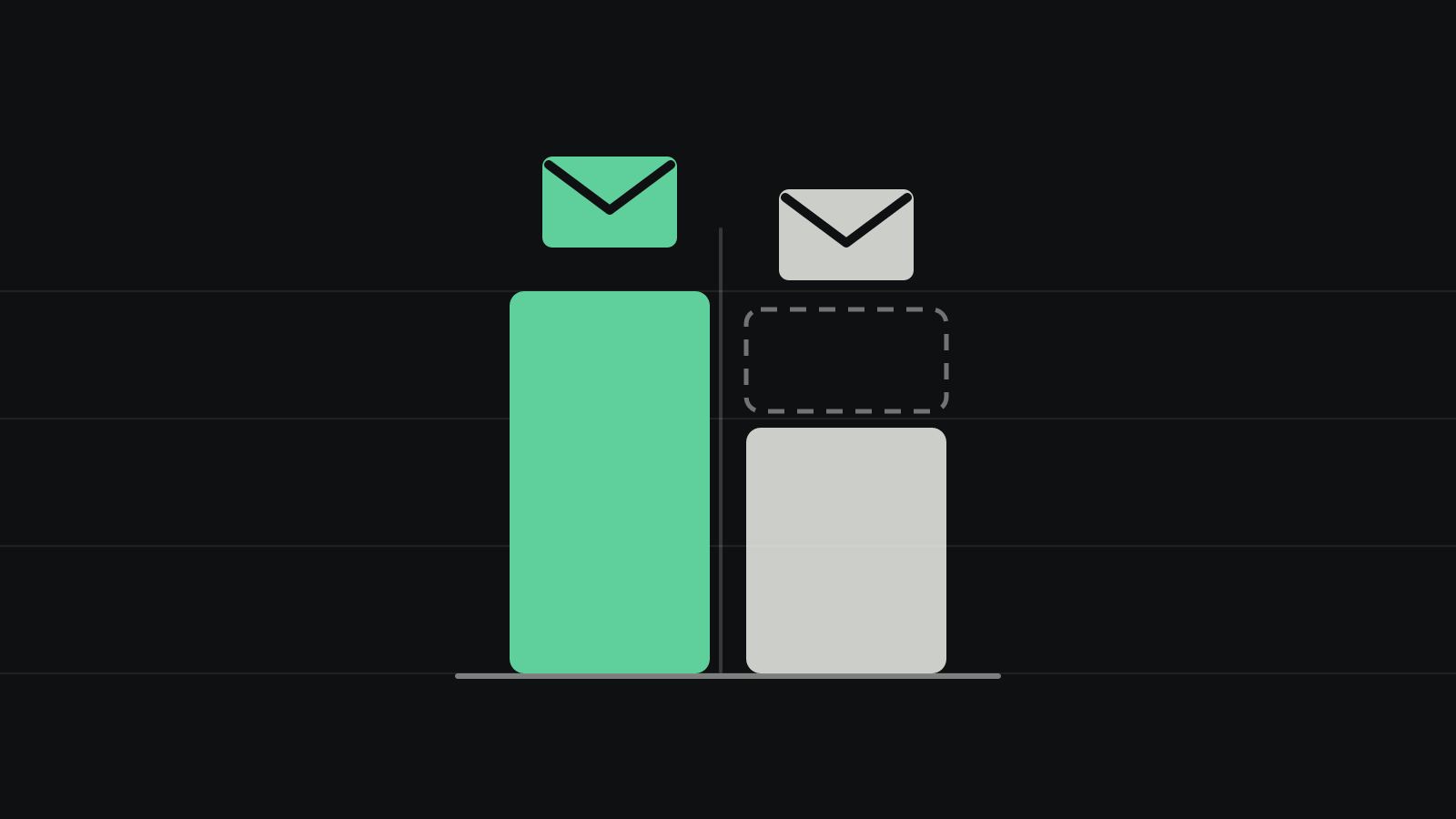
Pick MailerLite unless you need something only Mailchimp has. MailerLite's Comfort plan costs $33 a month at 2,500 subscribers against $45 for Mailchimp Essentials, and $89 against $110 at 10,000; it bills only active subscribers, while Mailchimp counts people who unsubscribed until you archive them; and its free plan sends 2,500 emails a month to Mailchimp's 500. Pick Mailchimp if you want SMS and email in one tool, need 24/7 live chat on a small plan, or depend on an integration that only Mailchimp offers.
MailerLite scores 7.5 and Mailchimp 5.1. They tie on small-business features, and MailerLite wins on cost, the free plan and billing rules. Mailchimp doesn't score higher on any of the four criteria, so no change of weights would put it first; the closest it gets is a tie if features were all that counted. This page uses the same criteria and scores as our ranking of the best email newsletter services, where MailerLite is No. 3 of 12 and Mailchimp No. 10. If you aren't set on these two, read that ranking first: EmailOctopus and Sender both score higher than MailerLite.
What MailerLite and Mailchimp cost at every list size
MailerLite is cheaper than Mailchimp at every list size we priced, by $1 a month at 500 contacts, $12 at 2,500 and $91 at 25,000. The table compares the cheapest plan on each that removes the vendor's branding: MailerLite Comfort and Mailchimp Essentials. Both send up to 10 emails per contact a month, so a weekly newsletter fits on either.
| Contacts | MailerLite Comfort | Mailchimp Essentials | Mailchimp costs more by |
|---|---|---|---|
| 500 | $12 | $13 | $1 |
| 1,000 | $19 | $26.50 | $7.50 |
| 2,500 | $33 | $45 | $12 |
| 5,000 | $49 | $75 | $26 |
| 10,000 | $89 | $110 | $21 |
| 25,000 | $179 | $270 | $91 |
| 50,000 | $319 | $385 | $66 |
Monthly prices in US dollars before tax, as of October 28, 2026, from MailerLite's pricing page and the price data Mailchimp's pricing page loads. Mailchimp's 1,000-contact price is its 1,500 tier, the next one up from 500.
Three details change these numbers:
- Billing yearly. MailerLite takes 10% off any plan paid yearly (MailerLite's plan and billing guide), so Comfort costs $29.70 a month at 2,500 subscribers and $80.10 at 10,000. Mailchimp sells Essentials monthly only; yearly plans exist only for Standard and Premium from 10,000 contacts, through its sales team.
- Mailchimp's new-customer offer. New Mailchimp customers who buy Essentials, Standard or Premium at the 10,000-contact tier or above, which covers any list over 5,000, get 15% off for the first 12 months. Mailchimp's pricing page labels the offer both "5,000+" and "10,000+" contacts. That makes Essentials $93.50 a month at 10,000 contacts, $229.50 at 25,000 and $327.25 at 50,000, so MailerLite is still cheaper at every size in that first year, by $4.50 a month at 10,000. There is no other introductory price: Mailchimp's $13 Essentials and $20 Standard starting prices are its regular prices.
- Tier edges. Mailchimp jumps from 2,500 to 5,000 contacts and from 5,000 to 10,000, while MailerLite has tiers at 5,000 and 8,000. A list of 2,600 costs $49 on MailerLite and $75 on Mailchimp; a list of 6,000 costs $69 and $110 ($93.50 in a new customer's first year).
Mailchimp also has a Pay As You Go plan that sells email credits, valid for 12 months, with Essentials' features. It suits a business that emails a few times a year; Mailchimp's help center lists the credit packages, from 5,000 credits, but shows their prices only inside your account (Mailchimp's Pay As You Go plan).
Who each one charges you for
The billing rules are the bigger difference, and the one most comparisons pass over in a sentence. MailerLite charges for active subscribers only: "Unsubscribed and Bounced contacts don't count toward your limit", and a subscriber in several groups counts once (plan and billing guide). Mailchimp charges for every contact you store: "subscribed, non-subscribed, and unsubscribed contacts all count toward your contact limit" (pricing tiers). Only archived, cleaned (bounced) and deleted contacts drop out. Mailchimp also counts contacts "across all of your audiences" (pricing plans), so a person in two audiences counts twice; Essentials allows three audiences. Merge your audiences and use tags before you compare bills.
Non-subscribed contacts are the ones that surprise store owners. When you connect an online store or another app to Mailchimp, customers who never opted in to marketing arrive as non-subscribed contacts. You can't send them marketing emails, but they count toward your bill (Mailchimp's contact types).
A hypothetical shop shows what this costs. It has 2,400 people subscribed, 500 who unsubscribed over the years, and 300 customers synced from its store who never opted in.
| Contacts billed | Monthly price | |
|---|---|---|
| Mailchimp Essentials, nothing archived | 3,200 (the 5,000 tier) | $75 |
| Mailchimp Essentials, after archiving the 800 | 2,400 (the 2,500 tier) | $45 |
| MailerLite Comfort | 2,400 active subscribers | $33 |
Leaving those 800 contacts unarchived costs this shop up to $360 a year on Mailchimp. Archiving keeps their data and their unsubscribed status, and you can archive everyone in a segment at once (archive contacts). It holds for people who unsubscribed, but not for store customers: an archived contact is unarchived when they "interact with your connected online store" (same page), so a shop that keeps selling keeps paying for some of the customers who never subscribed. Mailchimp bills your peak contact total in each billing period, so archive before a new period starts and keep the total down for the whole period (additional charges). MailerLite has a similar rule: any address that was active at any point in the billing cycle counts for that cycle, even if you delete it later.
Going over a limit works differently too. MailerLite moves you to the next tier at its published price, prorated, and drops back at renewal if you only went over on sending. Mailchimp doesn't interrupt sending but adds "add-on contact blocks" whose price depends on your plan and tier and isn't on the pricing page; you see it only when logged in.
Free plans: same list size, five times the sending on MailerLite
Both free plans stop at 250 contacts, but MailerLite's lets you do far more with them. A weekly newsletter to 250 people needs about 1,000 emails a month: MailerLite's free plan allows 2,500, while Mailchimp's 500 covers two sends.
| MailerLite Free | Mailchimp Free | |
|---|---|---|
| Contacts | 250 active subscribers | 250, unsubscribed included |
| Emails a month | 2,500 | 500, at most 250 a day |
| Automation | Three automations of up to five steps | None |
| Users | Two | One |
| Landing pages and websites | One of each (website up to five pages) | Landing pages and forms |
| Support | Email and chat for the first 14 days, then the help center | Email for the first 30 days |
| Over the limit | Sending, automations and new subscribers pause | Sending pauses |
From MailerLite's free plan update, its support options, Mailchimp's pricing plans and its plan comparison. Both free plans put the vendor's branding in your emails.
The automation row decides it for most businesses: MailerLite's free plan can send a welcome email to each new subscriber, and Mailchimp's can't. MailerLite cut its free plan from 500 subscribers and 12,000 emails to 250 and 2,500 on June 16, 2026. Mailchimp's is now 250 contacts and 500 sends; comparison sites report that it shrank from 500 contacts earlier in 2026, but we found no date from Mailchimp. Either way, pages that quote 500 or 1,000 free subscribers for either service are out of date.
Features: a tie on paper, different strengths
MailerLite Comfort and Mailchimp Essentials both score 9 on our list of small-business features, and both miss one point, but not the same one. MailerLite misses live help: Comfort comes with 24/7 email support, and live chat only for the first 14 days or with 50,000 subscribers or more (support options). Mailchimp misses on automation: Essentials allows flows of up to four steps (pricing plans), enough for a welcome email and one or two follow-ups, while MailerLite Comfort runs 50 automations of up to 100 steps.
Where MailerLite is ahead on the entry plans:
- Automation. Up to 100 steps against four, as above.
- Custom HTML. MailerLite's HTML editor works on every plan, the free one included. On Mailchimp Essentials you can build a custom-coded template but must upgrade to Standard to send it (plan comparison).
- Websites and selling. Comfort includes 10 landing pages and websites, and selling digital products and bookings without commission (pricing page).
Where Mailchimp is ahead:
- Live chat. 24/7 email and chat on Essentials and Standard; phone support on Premium.
- SMS. An SMS marketing add-on on every paid plan, in supported countries. MailerLite has no SMS marketing in its email plans.
- Integrations. Mailchimp lists 300+ integrations and MailerLite 100+. If a tool you rely on (a point-of-sale system, a CRM, a booking app) connects only to Mailchimp, that settles it; check both directories before you move.
Both have A/B testing, pop-up forms, landing pages, segments and tags, three users on the entry plan and automatic domain authentication with supported DNS providers.
The upper plans: MailerLite Power vs Mailchimp Standard
If you need live chat on MailerLite or longer automations on Mailchimp, the comparison moves up a plan. MailerLite Power adds unlimited sending, users and automations, multiple triggers per automation and 24/7 live chat. Mailchimp Standard adds five users, longer flows (Mailchimp says up to 200 steps on its comparison with MailerLite), send-time optimization, custom reports and sending custom-coded templates, and allows 12 emails per contact a month.
| Contacts | MailerLite Power | Mailchimp Standard |
|---|---|---|
| 500 | $25 | $20 |
| 1,000 | $39 | $45 |
| 2,500 | $49 | $60 |
| 5,000 | $69 | $100 |
| 10,000 | $129 | $135 |
| 25,000 | $239 | $310 |
| 50,000 | $389 | $450 |
Monthly prices as of October 28, 2026, from the same sources as the first table. At list price, Mailchimp Standard is cheaper only at 500 contacts. In a new customer's first year, the 15% offer makes Standard $114.75 a month at 10,000 contacts and $382.50 at 50,000, below Power at both sizes, though not at 25,000 ($263.50 against $239). Neither upper plan is scored here: our scores use the cheapest branding-free plan.
The two, scored
MailerLite
MailerLite ranks first here and suits most small businesses better than Mailchimp: Comfort costs $33 a month at 2,500 subscribers against $45 for Mailchimp Essentials, it doesn't count people who unsubscribed, and it runs automations of up to 100 steps where Essentials stops at four. Its weak spot is support on Comfort, which is email only after the first 14 days. Its free plan scores 5 of 10, because it covers only 250 subscribers since June 2026 and its support ends after 14 days, but that still beats Mailchimp's 2.
Mailchimp
Mailchimp is the better choice for a business that wants SMS and email in the same tool, wants 24/7 live chat on a small plan, or relies on an integration MailerLite doesn't have. It matches MailerLite on our feature list, but at 2,500 contacts it costs $12 a month more on the entry plans, it bills unsubscribed and non-subscribed contacts until you archive them, and its free plan sends 500 emails a month with no automation.
Which should you choose?
- Starting from nothing: MailerLite. Its free plan covers 250 subscribers with a welcome email, and Comfort costs $12 a month at 500.
- You want text messages too: Mailchimp, with its SMS add-on.
- You want to talk to someone when something breaks, on a small budget: Mailchimp Essentials, which has 24/7 chat from $13 a month. MailerLite's chat starts with Power, $25 a month at 500 subscribers.
- You run an online store: both connect to Shopify and WooCommerce. Mailchimp's purchase-based tools, such as predicted lifetime value and likelihood to buy, start on Standard, and store customers synced into Mailchimp count toward its price even if they never subscribed. If store email is your main job, look at Klaviyo or Omnisend, which our ranking skips because they're built for stores rather than newsletters.
- You're on Mailchimp and happy with it: merge duplicate audiences, archive unsubscribed and non-subscribed contacts before your next billing period, and compare your new bill with the table above. If the gap is still more than you want to pay, switch.
- You aren't attached to either: read the full ranking first. EmailOctopus is cheaper than both, at $20 a month for 2,500 contacts.
Switching from Mailchimp to MailerLite
MailerLite has a built-in Mailchimp importer that moves your contacts in one pass; the rest you rebuild by hand. Following MailerLite's migration guide:
- Export a backup from Mailchimp first. The account export gives you contacts in separate files by status (subscribed, unsubscribed, non-subscribed and cleaned), your campaigns as HTML and text, and reports. Landing pages and website content can't be exported (export and back up account data), and only custom-coded templates can be saved as HTML files (export template HTML).
- Buy a MailerLite plan at your list's size first. A new account's 14-day trial and the free plan both stop at 250 subscribers and 2,500 emails (14-day trial); over that, sending, automations and imports are paused.
- Import with MailerLite's Mailchimp tool. Connect with your login or an API key, choose the audiences, and let it map your fields. Tags become MailerLite groups, segments built on simple fields come across, and behavioral, e-commerce or activity-based segments don't.
- Bring the unsubscribed contacts too. The importer can include unsubscribed and unconfirmed contacts. MailerLite keeps them in their own category, never emails them and doesn't charge for them, so they protect you from emailing someone who opted out.
- Authenticate your domain. New MailerLite accounts can send without it only during the 14-day trial (domain authentication).
- Rebuild forms, landing pages, templates and automations, then replace the Mailchimp forms on your website. Campaign reports stay behind, so keep the export.
- Cancel Mailchimp at the end of a billing period. Mailchimp doesn't refund paid time (refund policy), and a downgrade takes effect at the end of the period. Pausing keeps your data if you aren't sure yet; deleting the account removes it for good.
Import a few days before your next send. A subscriber import can trigger MailerLite's account review, which pauses sending while it asks where the list came from, and an account that doesn't answer within 30 days is closed (account review). The importer's sync doesn't stay live either: contacts who join on Mailchimp after the import need a manual re-sync, so switch your signup forms over soon after importing.
What many answers still get wrong
We asked four AI models (GPT, Claude, Gemini and Perplexity, through their APIs with web search on) four versions of this question in October 2026. Every one of the 16 answers favored MailerLite, at least for most small businesses, but several repeated figures that are wrong today:
- MailerLite's free plan is 250 subscribers and 2,500 emails a month, and Mailchimp's is 250 contacts and 500 emails. Gemini put them at 1,000 subscribers and 12,000 emails, and 500 contacts and 1,000 emails; Claude, citing Zapier, gave MailerLite 500 subscribers and 12,000 emails. Mailchimp's own comparison page still says MailerLite's free plan covers 500 subscribers, its paid plans start at $9 and its entry plan is called Growing Business; the plan is Comfort, from $12.
- Mailchimp's $20 Standard price isn't a 12-month introductory rate, as two of Claude's answers said, citing a comparison site. It is the regular price at 500 contacts. The only 12-month discount is 15% off for new customers with more than 5,000 contacts.
- MailerLite isn't $25 a month at 2,500 subscribers, as Gemini and Claude (citing Zapier) had it. It is $33 on Comfort and $49 on Power.
- MailerLite's entry plan doesn't send unlimited email. Comfort allows 10 emails per subscriber a month; only Power is unlimited. Perplexity and Gemini said its paid plans are unlimited. MailerLite introduced new pricing on June 16, 2026 (plan and billing guide), and pages written earlier still show older plans and prices: Zapier's comparison, last updated in February 2026, says $25 a month buys 2,500 subscribers with unlimited sends, and EmailToolTester's still lists a "Growing Business" plan with unlimited emails.
- Mailchimp doesn't offer a self-serve yearly discount. One answer said both offer 10% to 15% off yearly; only MailerLite does (10%).
How we scored
Neither service was used hands-on. On October 28, 2026, we read both companies' US pricing pages and the price data they load, their help centers, refund policies and migration guides, and checked that every fact behind the scores from our October 21 ranking still holds; none had changed. Cost is calculated, not judged: the monthly price at 2,500 plus the price at 10,000 contacts on the cheapest branding-free plan. How we scored the best email newsletter services lists every score with its source; this page and the ranking share it. We don't score deliverability, because no current independent inbox-placement test has a published method, or ease of use, because we didn't use the editors ourselves. What decides whether your emails reach the inbox is mostly your list and your domain's authentication, which the ranking explains.
Questions people ask
Is MailerLite cheaper than Mailchimp? Yes, at every list size we priced on the entry plans: by $1 a month at 500 contacts ($12 against $13), $12 at 2,500 and $91 at 25,000, before counting the unsubscribed contacts Mailchimp also bills.
Which is easier to use? We didn't use the editors ourselves, so we don't score it. Two hands-on reviews agree: Zapier and EmailToolTester both found MailerLite easier to learn, and both rate Mailchimp's reports ahead. Zapier also counts more templates on Mailchimp: 130 email templates against 100, and 115+ automation templates against 15.
Does Mailchimp charge for unsubscribed contacts? Yes. Unsubscribed and non-subscribed contacts count toward your plan's contact limit until you archive or delete them. MailerLite doesn't count unsubscribed or bounced contacts.
Is MailerLite's free plan better than Mailchimp's? Yes. Both allow 250 contacts, but MailerLite sends 2,500 emails a month to Mailchimp's 500, includes three automations and two users, and counts only active subscribers.
Do they offer nonprofit discounts? MailerLite gives verified nonprofits 30% off any paid plan (nonprofit discount); Mailchimp gives 15%, and only if you ask before you buy (Mailchimp's nonprofit discount).
Can I get a refund if I switch? Usually not from either. Mailchimp refunds only after a system malfunction or an account closed without cause. MailerLite doesn't refund unused time; it may refund other cases at its discretion within 30 days of the payment, and individuals who aren't using it for business can ask within 14 days of signing up (MailerLite's refund policy).
How the score is built
Weighted average of the criteria below, out of 10
- Cost as your list grows 35%
- Monthly price, billed monthly, of the cheapest plan with no vendor branding and an automated welcome email, at 2,500 plus 10,000 contacts sending weekly. $60 combined scores 10; each extra $20 costs a point.
- Free plan 20%
- The biggest list the free plan can email in one day (up to 4), whether it allows weekly sending (2) and a welcome email (2), and support after the first month (2).
- Small-business features 25%
- On the plan scored for cost, one point each (two for the first two) for multi-step automation, forms with pop-ups, landing pages, segments or tags, A/B testing, a second user, live help and guided domain authentication.
- Billing rules 20%
- Whether unsubscribed contacts still count toward the price (up to 4), what happens when you go over a limit (up to 3), and whether you can export every contact with its status (up to 3).
| Tool | Cost as your list grows35% | Free plan20% | Small-business features25% | Billing rules20% | Score |
|---|---|---|---|---|---|
| MailerLite | 6.9 | 5.0 | 9.0 | 9.0 | 7.5 |
| Mailchimp | 5.3 | 2.0 | 9.0 | 3.0 | 5.1 |